
Users have been trained to be suspicious of links. Hover over a suspicious email link and the destination URL appears in the status bar. Forward a message to a colleague and they can eyeball the address before clicking. This friction is lightweight, but it creates a moment of inspection that URL-based phishing has to survive.
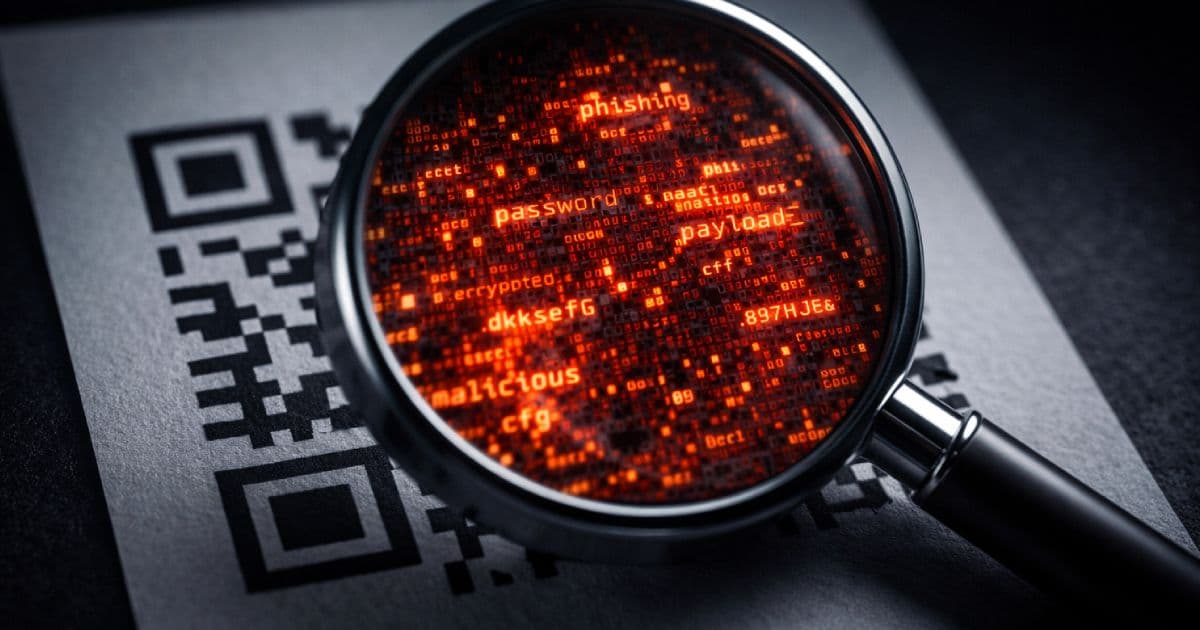
QR codes eliminate that moment entirely. The destination is encoded inside a machine-readable image. There is no URL to read, no domain to hover over, no anchor text to scrutinize. You point a camera at the pattern, the scanner resolves the payload, and most devices immediately offer to act on it — open a page, connect to a network, add a contact, place a call. The inspection step that URL-based phishing struggles to skip, QR phishing skips by design.
TL;DR
- Quishing is phishing delivered through QR codes.
- The QR code itself is not the danger. The hidden payload is.
- The risk comes from scanning a code and acting on it without inspecting the decoded content first.
- The safest workflow is to decode the QR payload in a local inspection tool before opening, calling, connecting, or submitting anything.
Before you scan that QR code from an email, a poster, or a screenshot, inspect the payload first. Use the CodeAva QR Code Decoder to extract and review the raw payload locally in your browser — no uploads, no automatic redirects, no server involvement.
What quishing actually is
Quishing is the combination of “QR code” and “phishing.” It is a social engineering attack that uses a QR code to deliver a harmful payload — typically a URL pointing to a credential-harvesting page, a malware download, or a spoofed payment form.
The mechanics are straightforward. An attacker creates a QR code that encodes a malicious URL. They place that QR code where a victim is likely to scan it: on a printed flyer, in an email, over a legitimate QR code at a payment terminal, or as an image attachment in a message. The victim scans the code, their device resolves the payload, and they are presented with a next action — usually opening a URL — that they accept without scrutiny.
What distinguishes quishing from ordinary phishing is not sophistication. It is convenience. The QR format is already trusted as a delivery mechanism for menus, event tickets, boarding passes, and Wi-Fi logins. Attackers exploit that ambient trust. The QR code is not the vulnerability; the low-scrutiny execution path is.
Why QR phishing works so well
The effectiveness of quishing comes from the convergence of several factors, none of which require the attacker to be technically sophisticated.
The payload is visually opaque
A QR code is a two-dimensional barcode. The black-and-white modules that make up the image contain no information a human can read directly. Unlike a suspicious link where a careful reader might notice paypa1.com instead of paypal.com, a QR code looks the same regardless of what it encodes. There is no visual signal of intent.
Scanning feels routine and low-risk
QR codes appear in high-trust, routine contexts: restaurant menus, hotel check-in desks, public transit information, conference sign-ins, product packaging. The act of scanning has been normalized. Users who would hesitate before clicking an unexpected email link scan a QR code on a poster with no hesitation because the physical context signals legitimacy.
The device closes the gap between scan and action
When a smartphone camera resolves a QR URL, it immediately presents a prompt: “Open in Safari” or “Open in Chrome.” That prompt is frictionless. One tap and the page loads. The gap between decoding the payload and executing it is measured in milliseconds and single gestures. There is almost no moment of deliberate inspection built into the default mobile scanning workflow.
Delivery surface is wide and hard to filter
QR codes appear in emails, PDFs, presentation decks, printed stickers, physical poster placements, parking meters, event signage, and embedded screenshots. Email security gateways that scan URL links do not see the URL inside a QR code image — they see an image attachment or an inline graphic. The QR format bypasses many link-inspection filters simply because it is not a link.
Real-world contexts where quishing appears
Quishing attacks are not hypothetical. They appear in documented incident reports across multiple sectors and contexts.
Physical QR stickers over legitimate codes
A common physical attack involves placing a malicious QR sticker over a legitimate one. Parking meters, restaurant tables, public information kiosks, and payment terminals are all documented targets. The sticker looks identical to the original. Users have no way to visually distinguish the replacement without peeling the sticker or inspecting the decoded URL.
Email-based QR delivery
Quishing emails typically impersonate trusted organizations: banks, government agencies, delivery companies, or internal IT departments. The email body contains a QR code image with instructions like “scan to verify your identity,” “scan to complete your delivery,” or “scan to reset your password.” Because the QR image is not a URL, many email filtering systems do not flag it.
Workplace and MFA lookalikes
Attackers have replicated internal HR sign-in flows, multi-factor authentication setup pages, and VPN access portals using QR codes. An employee receiving a realistic-looking internal IT email with a “scan to set up MFA” QR code has no inherent reason to suspect it is not legitimate.
Payment and wallet interactions
In payment-heavy environments where QR codes are used routinely for transactions — including mobile-first banking and peer-to-peer payment flows — a fraudulent QR code can redirect a payment to an attacker-controlled wallet address or harvest credentials from a spoofed login. The routine use of QR codes for legitimate payments makes a fraudulent one indistinguishable by appearance alone.
The main attack vectors
A. Credential-harvesting URLs
The most straightforward attack: the QR code encodes a URL pointing to a spoofed login page. The page is designed to look like a legitimate banking portal, corporate SSO, email provider, or payment gateway. The victim enters their credentials, which are harvested by the attacker, while the victim may be redirected to a legitimate page afterward to disguise the breach.
Warning signals in the decoded URL:
- The domain does not match the expected brand (
secure-bankname-login.cominstead ofbankname.com) - The protocol is HTTP rather than HTTPS
- The hostname is a raw IP address
- The URL passes through a shortener that hides the final destination
B. Non-URL payload types
Not every QR code encodes a standard HTTPS link. The QR specification supports any text string, which means a code can encode action-oriented URI schemes that scanner apps may offer to execute directly:
tel:— prompts the device to place a phone callmailto:— opens the email client with a pre-populated recipient, subject, or bodysmsto:— offers to send a pre-composed SMSWIFI:— offers to join a Wi-Fi network automatically- App-specific deep links that trigger actions within installed apps
The risk here is not that every device auto-executes these schemes — most require user confirmation. The risk is that the action prompt appears immediately after scanning, and users in a routine context confirm without reading carefully.
C. Rogue Wi-Fi payloads
Wi-Fi QR codes encode the SSID, security type, and password for a network. A QR code that prompts a device to join an attacker-controlled network — while appearing to be a guest Wi-Fi QR at a coffee shop, hotel, or conference venue — gives the attacker a position to perform traffic interception on the connected device. The credential (password) can be extracted from the decoded payload before connecting.
Safe vs. suspicious payload examples
Understanding what a decoded QR payload looks like is the foundation of safe inspection. Here are common payload types and what to look for in each:
| Payload type | Example decoded content | What to check |
|---|---|---|
| Safe URL | https://brand.com/offer?ref=qr2026 | HTTPS, recognizable domain, parameters make sense for the claimed purpose |
| Suspicious URL — IP address | http://192.168.1.105/login | HTTP, raw IP address instead of a domain name — a strong warning signal for any login or payment flow |
| Suspicious URL — shortener | https://bit.ly/3xQphsh | Destination is hidden — expand the short URL with a preview service before opening |
| Wi-Fi payload | WIFI:T:WPA;S:HotelGuest;P:Welcome2024;; | Review the SSID before connecting — does the network name match the expected venue? |
| vCard contact | BEGIN:VCARD
FN:Jane Smith
TEL:+155512345
EMAIL:[email protected]
END:VCARD | Verify the name, phone, and email match the expected source before saving |
| SMS payload | smsto:+27001234567:I confirm the transfer | Read the pre-composed message carefully — you may be prompted to send it unchanged |
| Punycode domain | https://xn--pple-43d.com/verify | Punycode hostnames may render as visually identical look-alike domains in some browsers — inspect the raw hostname before opening |
Note on payload variety
Why inspecting the raw payload matters
When you decode a QR code and read the raw payload as a text string, before your device acts on it, you break the low-scrutiny execution path that quishing depends on.
Most people do not inspect the URL after a QR scan because the browser or app opens it immediately. On a mobile device, the URL may appear only briefly in an address bar before a redirect obscures it further. The inspection window is measured in a fraction of a second — not enough time for meaningful scrutiny.
Decoding the QR image first — before any device action — gives you a static, readable text string you can review at your own pace. That string will tell you:
- Exactly what protocol the URL uses — HTTP or HTTPS
- Whether the destination is a recognizable domain or an IP address
- Whether the link passes through a URL shortener, hiding the real destination
- Whether the hostname uses punycode that may render as a look-alike brand name
- Whether the URL is unusually long, heavily encoded, or carries unusual parameters
- What type of payload it is — URL, Wi-Fi, contact, SMS, phone, geo — before your device offers to execute any of those actions
The goal is not to achieve certainty about whether a URL is safe — no heuristic inspection alone can guarantee that. The goal is to make a conscious, informed decision before acting, rather than accepting the device's default prompt without review.
The CodeAva QR Code Decoder: a local inspection sandbox
The CodeAva QR Code Decoder is designed specifically for this inspection step. It is not a general-purpose QR scanner that opens URLs on your behalf. It is a local sandbox that extracts and displays the payload for human review.
What it does
- Accepts QR code images via file upload, clipboard paste (Ctrl+V/ ⌘V), or live webcam
- Decodes the QR payload using the
jsQRlibrary running entirely in your browser - Displays the raw text payload immediately — the exact string the QR code encodes
- Identifies the payload type automatically — URL, Wi-Fi, vCard, MeCard, email, SMS, geo, crypto wallet, or plain text
- Flags heuristic URL risk signals: raw IP addresses, HTTP protocol, known URL shortener domains, punycode hostnames, heavy encoding, and unusual length
What it explicitly does not do
- It does not open URLs automatically
- It does not dial phone numbers
- It does not send SMS messages
- It does not connect to Wi-Fi networks
- It does not upload images or payloads to any server
- It does not claim to be a malware-detection or threat-intelligence platform — risk signals are heuristic guidance, not verdicts
Safe decoding workflow
For decoded URLs that warrant deeper inspection, the URL Parser breaks the full URL into components — hostname, path, query parameters, and fragment — so you can audit exactly what the link is structured to do.
Best practices for users and organizations
For individual users
| Practice | Why it matters |
|---|---|
| Do not scan unexpected QR codes in urgent messages | Urgency is a social engineering trigger. Legitimate organizations do not require immediate QR scans to prevent account suspension or financial loss. |
| Inspect physical QR codes before trusting them | Look for sticker layering, misaligned edges, or codes that do not sit flat on the surface. A sticker placed over the original is a common physical replacement technique. |
| Decode first, act second | Use a local decoder to extract the payload before your phone's camera app has a chance to prompt you to act on it. |
| Treat shortened links and IP addresses with caution | URL shorteners hide the real destination. Raw IP addresses in URLs are rarely used by legitimate services. Both are worth scrutinizing. |
| Verify branded login and payment flows independently | Navigate to a brand's official domain directly in your browser instead of following a QR-decoded URL to what claims to be their login page. |
| Do not save Wi-Fi credentials from unknown QR codes | Check the network name against the venue's posted credentials. Connecting to an attacker-controlled network exposes your traffic. |
For teams and organizations
If your organization issues QR codes to users — for sign-in, onboarding, events, or communications — treat them with the same care as links in emails. Specifically:
- Brand your QR codes clearly. Use a custom landing domain or subdomain that users are familiar with, not an opaque redirect service.
- Document where official QR codes appear. If users know they should only scan a QR code from a specific physical location or official communication, they have a reference point for evaluating unexpected codes.
- Include context in the surrounding content. A QR code alone on a flyer is less trustworthy than one accompanied by a domain, a support contact, and a clear description of where it leads.
- Train staff that QR codes are hidden machine-readable text. The core security education is simple: a QR code is not inherently trusted. It is a container for a payload. The payload is what matters.
- Consider anti-tampering measures on physical codes. Holographic overlays, embedded logos, or placement inside a frame that would show physical disturbance make sticker-replacement more detectable.
QR codes and the broader image-based security surface
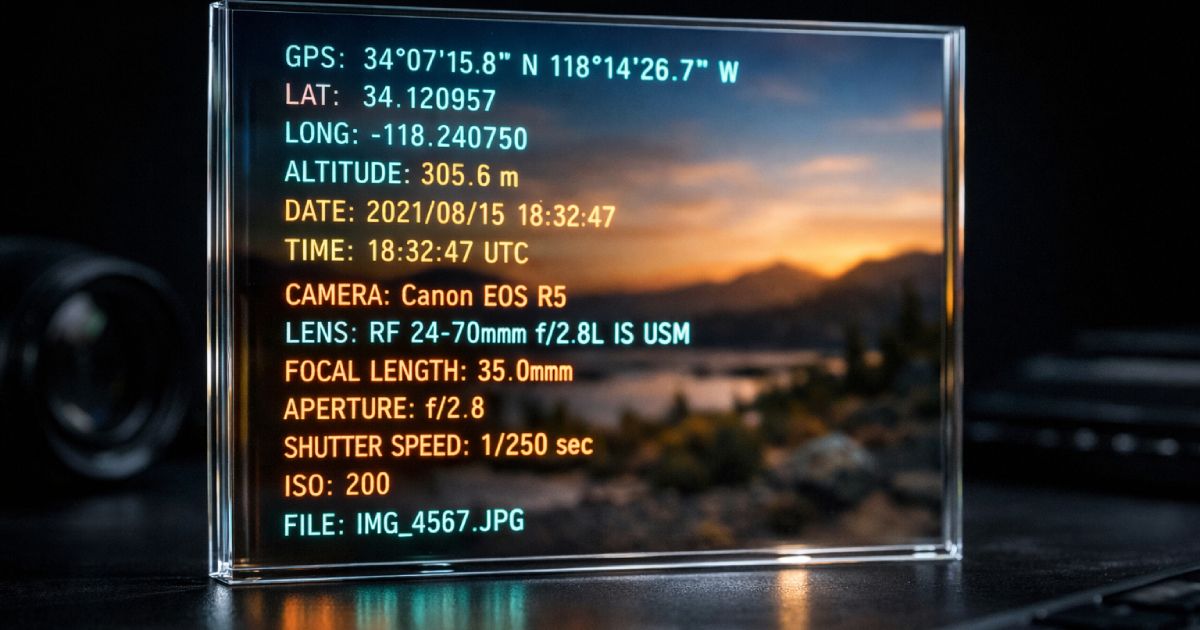
QR codes are one of two major categories of security-relevant data hidden inside images. The other is file metadata. A photo shared via email, a forum post, or a file-sharing service can carry embedded EXIF metadata — GPS coordinates, capture timestamps, device make and model — that reveals information the sender did not intend to share.
The security principle is the same in both cases: images are data containers, not just visuals. A QR code image encodes an actionable payload in its pixels. A JPEG encodes sensitive context in its metadata fields. Neither is visible to casual inspection. Both reward a deliberate inspection step before you act on or share the file.
If you handle sensitive images in your workflow — user uploads, shared photos, exported screenshots — the companion to QR payload inspection is metadata inspection and sanitization. The CodeAva guide to removing hidden EXIF metadata from photos covers how to inspect and clean image metadata before publishing or sharing.
Frequently asked questions
What is quishing?
Quishing is QR code phishing. An attacker encodes a malicious URL or another harmful payload inside a QR code and places it where a victim is likely to scan it. Because the destination is hidden inside the visual pattern, the victim cannot inspect the link before scanning and is often prompted by their device to open it immediately.
Is a QR code itself dangerous?
No. A QR code is a machine-readable encoding format — it is not inherently malicious any more than a hyperlink is inherently malicious. The risk is the hidden payload it contains and the low-scrutiny workflow that causes people to act on it before inspecting the content. The format itself is neutral; the danger is the combination of a harmful payload and an unconsidered execution.
Can I inspect a QR code without opening the link?
Yes. Decode the QR code from an image or screenshot using a local browser-based decoder. The raw payload appears as a readable text string — a URL, a Wi-Fi configuration, a contact record — without any automatic action. Review the payload, check for warning signals, then decide deliberately whether to open, connect, call, or save.
What kinds of payloads can a QR code contain?
Any text string up to a few kilobytes. Common types include HTTPS URLs, HTTP URLs, Wi-Fi configuration strings, vCard and MeCard contact records, tel: phone links, mailto: email links, smsto: SMS messages, geo: GPS coordinates, and cryptocurrency payment URIs. The payload type determines what action a scanner app may offer to perform.
Why are QR codes used in phishing?
Because they visually hide the destination. URL-based phishing must survive the scrutiny of link inspection — hover previews, domain checking, email gateway filters that scan links. QR phishing bypasses all of those. The URL is encoded in an image, which most email filters do not decode, and the physical or digital context gives the code an air of legitimacy. The combination of visual opacity and routine scanning habits is the core mechanism.
Can a QR code hide a malicious URL?
Yes. A QR code can encode any URL string — including links to spoofed login pages, malware downloads, credential-harvesting forms, and fake payment portals. The URL is completely hidden inside the QR pattern. The only way to see it before acting is to decode the image and read the raw payload.
Is it safer to decode a QR code from an image on my computer?
Yes. On a smartphone, the camera app typically offers to open the URL within moments of scanning — compressing the gap between decode and action to a single tap. Decoding from an image on a desktop gives you the payload as a static text string you can read at your own pace, check for risk signals, and act on deliberately. A browser-based decoder running locally is the most privacy-preserving option because no image or payload is transmitted to a server.
What should I look for before opening a decoded QR link?
Start with the protocol — HTTP instead of HTTPS is a strong warning for any sensitive flow. Check the hostname — raw IP addresses and URL shorteners hide the real destination; punycode domains may visually resemble trusted brands. Read the path and query string — unexpected redirect parameters, token values, or heavily percent-encoded strings deserve scrutiny. If anything is unfamiliar, navigate to the brand's official site directly rather than following the decoded URL.
The takeaway: read the payload before you act on it
QR codes are not going away, and there is no reason they should. They are a practical and efficient mechanism for sharing URLs, Wi-Fi credentials, contact cards, and event information without requiring manual input. The format itself is not the problem.
The problem is the execution gap — the point between scanning and acting where scrutiny should happen but almost never does. Quishing attacks live and succeed in that gap. Closing the gap does not require technical expertise. It requires a single habit change: decode the payload first, inspect it as a readable text string, then decide what to do.
A QR code is a container. The container might hold a trusted link to a restaurant menu. Or it might hold the address of a credential-harvesting page. The visual pattern gives you no information either way. The decoded text does.
Next steps
- Inspect suspicious QR codes locally: CodeAva QR Code Decoder — extract and review the raw payload before your device acts on it.
- Audit decoded URLs in detail: URL Parser & Query Builder — break down hostname, path, parameters, and encoding.
- Sanitize images before sharing: How to remove hidden EXIF metadata from photos — the companion guide to the broader image-based security surface.